
Personal
Free Pet Sitter Info Page
Everything your pet sitter needs on one page: feeding schedule, walks, medication, quirks, the vet's number and what to do in an emergency.

Updated July 2026
To make a pet sitter info page for free, open the Apps Generator pet sitter template, fill in feeding times, walk schedule, medication and your vet's contact details, and press publish. The guide is live at its own private link in under 5 minutes, with no signup. Text the link to any sitter or stick the QR code on the fridge - update the details before every trip and the sitter always sees the current version.
The important stuff cannot be missed
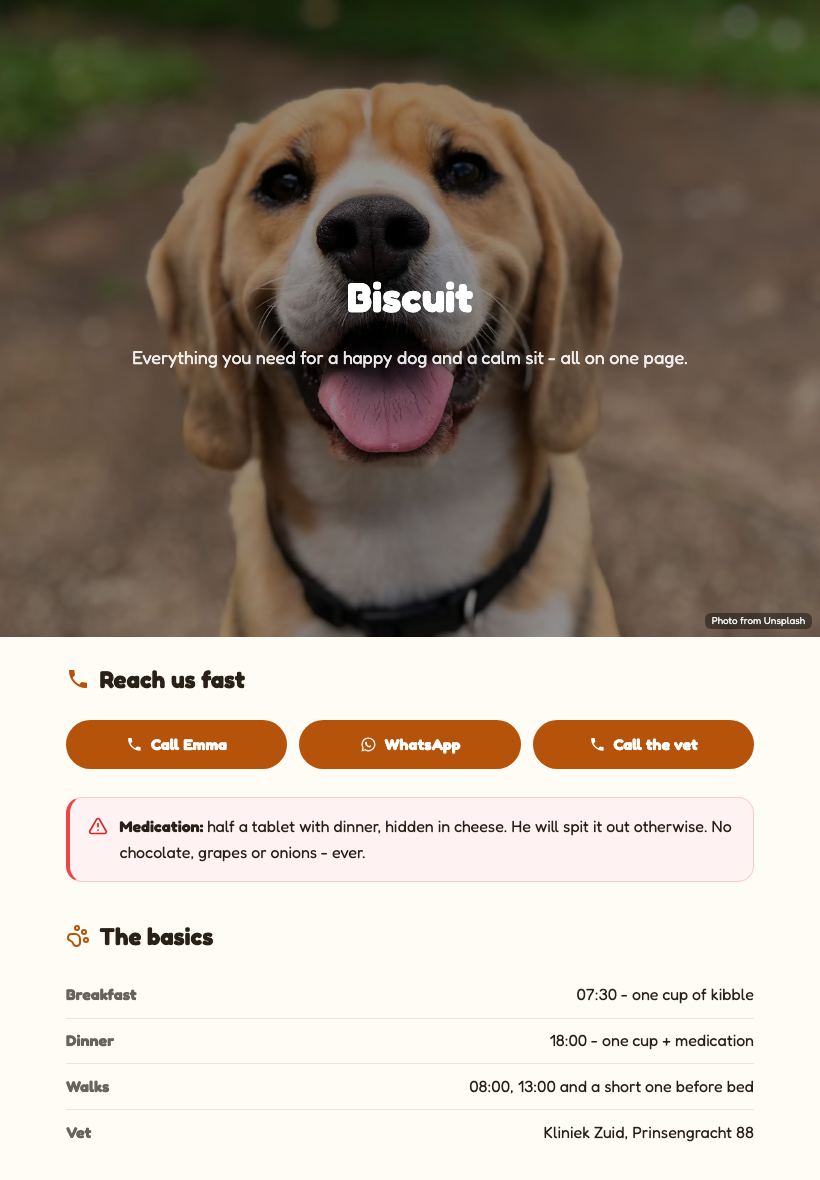
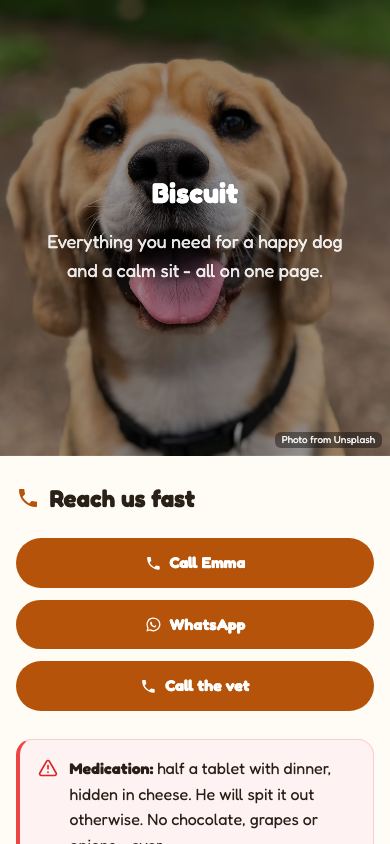
Medication instructions and food warnings sit in a highlighted alert block at the top, not scribbled in a margin. Tap-to-call buttons for you and the vet mean no number-hunting when it matters.
One guide, every sitter
The link stays the same forever, so the neighbour who watched your dog in spring and the sitter you booked for summer both see the latest routine. Update once, everyone is current.
QR on the fridge
The built-in QR code opens the guide on the sitter's own phone. Stick it on the fridge or the food container - no more laminated sheets that are outdated by the second trip.
Sitter guide vs the usual ways
| Apps Generator page | Paper notes | Long text thread | |
|---|---|---|---|
| Cost | Free, no signup | Free but rewrite each trip | Free |
| Vet and owner numbers | Tap to call | Read and dial by hand | Scroll to find them |
| Medication warnings | Highlighted alert block | Easy to miss | Lost in the thread |
| Updating the routine | Edit once, same link + QR | Rewrite the sheet | Resend everything |
| Works on sitter's phone | Yes, made for it | No | Yes but unstructured |
Ready when you are
Make this app yours
Open the editor, swap in your words and photos, and publish a link you can share in minutes - free, no signup.
Make my pet guide freeFrequently asked questions
Is the pet sitter page really free?
Yes. Creating, publishing and updating your pet care guide is completely free, with no trial or card. Optional Pro extras like a custom domain are the only paid features.
Do I need to sign up to make one?
No. You can build and publish without an account. Create a free account only if you want to come back later and edit the same guide.
How does the sitter open it?
You text or WhatsApp them the link, or they scan the QR code on your fridge. It opens in their phone browser like a normal page - nothing to install.
Can I include medication and allergy warnings?
Yes, and you should. The template has a highlighted warning block designed exactly for medication schedules and food warnings, so it stands out from the daily routine.
Does it work for cats, rabbits or other pets?
Absolutely. The blocks are generic: feeding, routine, quirks, vet and emergency info work for any animal - swap the photos and you have a cat sitter guide.