
Personal
Free Online CV & Resume Page
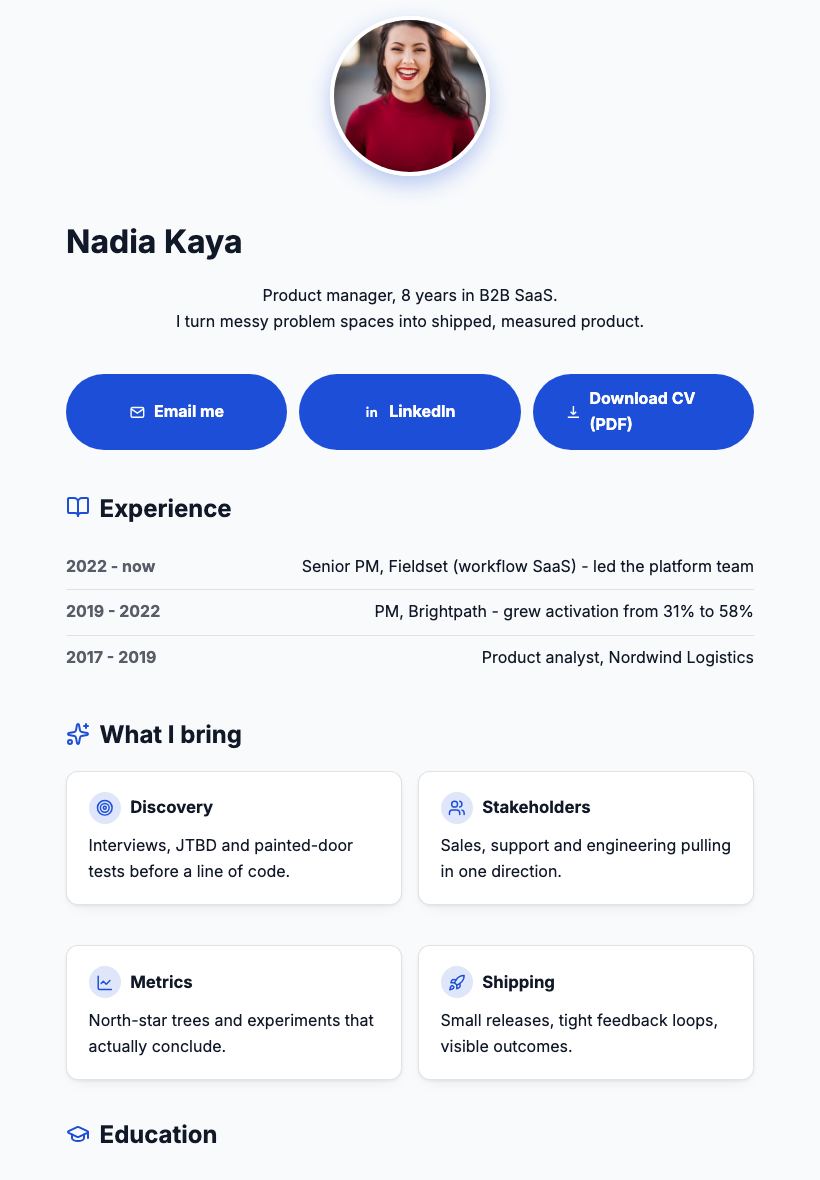
A CV that lives at a link: your experience, skills and references on one clean page you can drop in an application, an email signature or a LinkedIn bio.

Updated July 2026
To make an online resume page for free, open the Apps Generator CV template, fill in your experience, skills, education and a reference quote, and press publish. Your resume is live at its own link in under 5 minutes, with no signup. Recruiters open it on any device without downloading anything, and when your situation changes you update once - every application that carries the link stays current.
A link beats an attachment
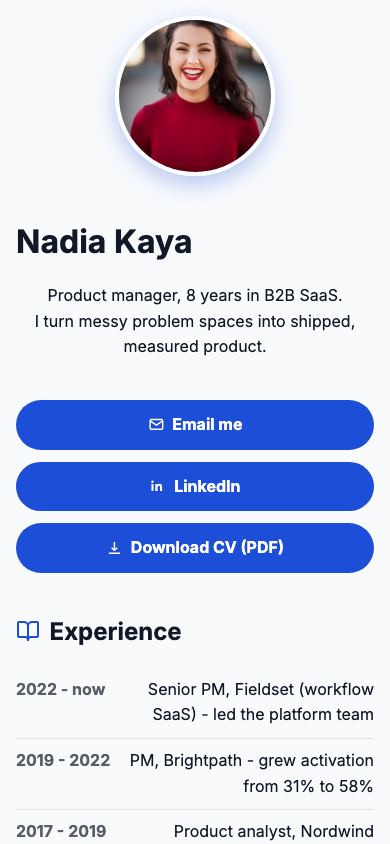
PDF attachments get buried in inboxes and look cramped on phones. A resume page opens instantly on any device, reads like a website, and you can still offer your PDF as a download button next to it.
More than a job list
Skill cards, a reference quote with a name and role, and a contact form make the page feel like a professional profile rather than a data table. Recruiters can reach you in one tap.
Always the current version
New role, new certificate, new phone number? Edit the page and publish - the link in your email signature, business card QR and old applications now shows the updated CV. No more v7-final-FINAL.pdf.
Resume page vs the usual ways
| Apps Generator page | PDF attachment | LinkedIn profile | |
|---|---|---|---|
| Cost | Free, no signup | Free | Free with ads and noise |
| Opens on any phone | Yes, instantly | Download + pinch-zoom | App or login prompts |
| Updating | Edit once, same link | Resend a new file | Yes |
| Your own framing | Fully yours | Fixed layout | Platform template |
| Contact | One-tap email + form | Reply to the email | InMail or connect first |
Ready when you are
Make this app yours
Open the editor, swap in your words and photos, and publish a link you can share in minutes - free, no signup.
Make my CV page freeFrequently asked questions
Is the resume page really free?
Yes. Building, publishing and updating your CV page is completely free, with no card and no trial. Optional Pro extras like a custom domain are the only paid features.
Do I need an account to publish my CV?
No. You can build and publish without signing up. Create a free account only if you want to come back later and edit the same page.
Can I still offer a PDF version?
Yes. Add a download button that links to your PDF, so recruiters who want a file for their system can grab it while everyone else reads the page.
Will my CV show up in Google?
No. Published pages carry a noindex signal, so your CV is only seen by people you give the link to - applications, signatures and QR codes.
How do recruiters contact me?
Through the tap-to-email button or the contact form at the bottom of the page, which delivers messages straight to your inbox.