
Utility
Free Custom HTML App Publisher
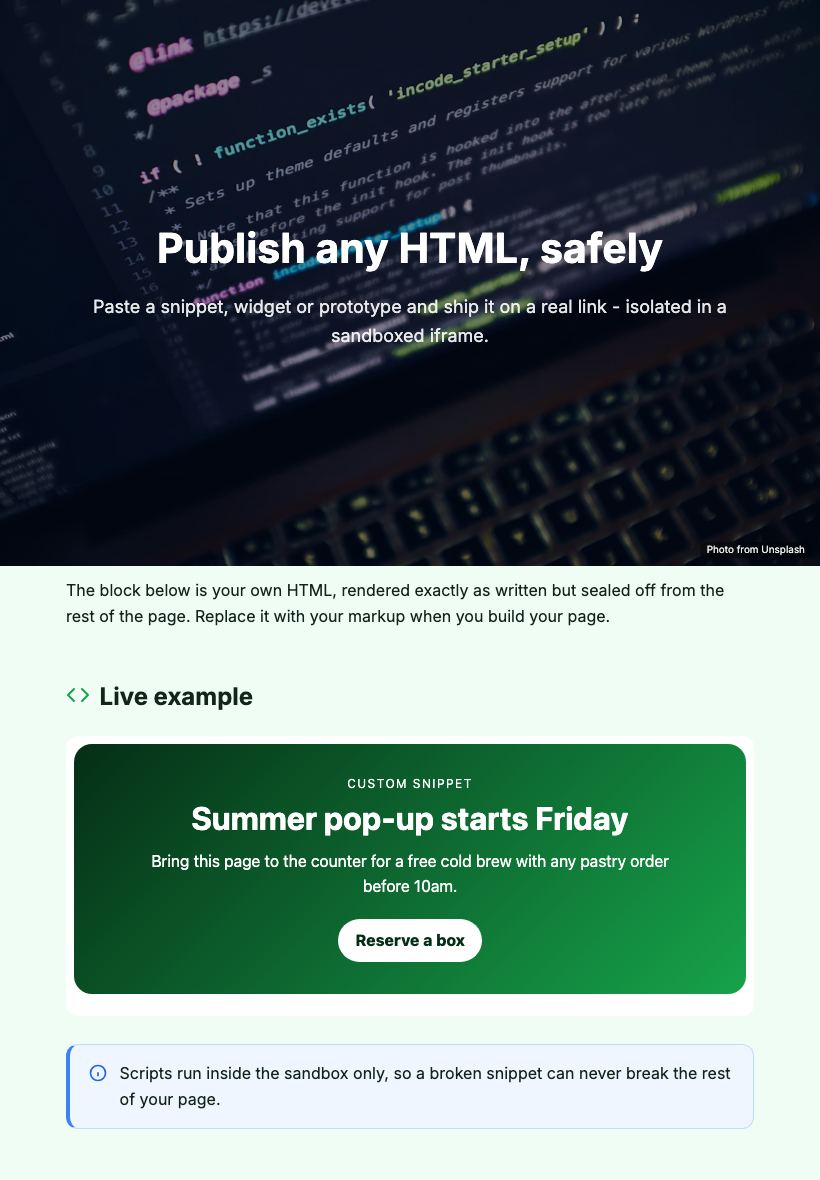
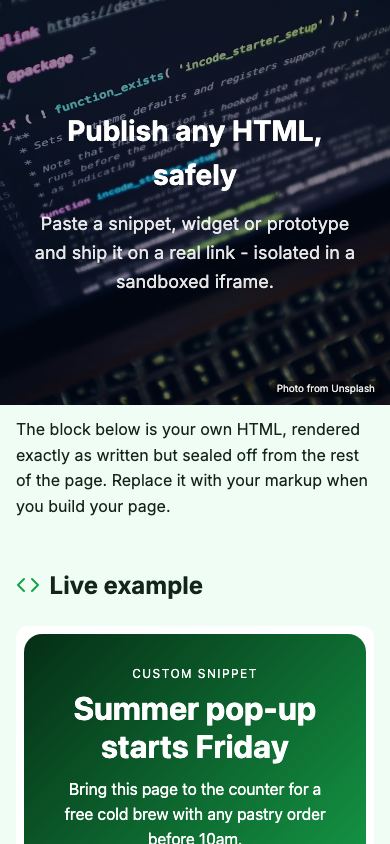
Paste any HTML snippet or full document and the custom HTML app gives you a live, shareable web page in seconds - no hosting setup, no FTP, no domain required.

Updated July 2026
To publish an HTML snippet for free, open the Apps Generator custom HTML template, paste your HTML, CSS and JavaScript, and press publish. Your code runs safely sandboxed on its own live link, online in under 5 minutes with no signup, no hosting account and no FTP. Edit the code whenever you like and the same link always serves the latest version.
Paste code, get a live link
Drop in a snippet or a full document with CSS and JavaScript, press publish, and you have a real URL you can text to a client or open on your phone. There is no npm install, no deployment pipeline, no DNS to configure and nothing to pay.
Built for prototypes, widgets and experiments
Test a UI idea on a real device, hand a client a working preview, or publish a small calculator or widget without touching your main site. When the code changes, republish and the link you already sent shows the new version.
Your code runs safely sandboxed
The published page runs your HTML inside a sandboxed frame, isolated from the rest of the site. That means your scripts and styles behave predictably without interfering with anything else, and you can experiment freely without breaking a production site.
Custom HTML page vs the usual ways
| Apps Generator page | CodePen public pen | Static hosting setup | |
|---|---|---|---|
| Cost and signup | Free, no signup | Free, account required | Account, config, often a card |
| Time to a live link | Under 5 minutes | Quick once registered | DNS, deploys and tooling first |
| What viewers see | A clean standalone page | Your code shown around the result | A clean page |
| Good for non-developers to open | Yes, it is just a link | Confusing editor interface | Yes |
| Updating | Edit and republish, same link | Edit the pen | Rebuild and redeploy |
| QR code and embed | Built in | No QR, embed for code demos | Do it yourself |
Ready when you are
Make this app yours
Open the editor, swap in your words and photos, and publish a link you can share in minutes - free, no signup.
Publish my custom HTML freeFrequently asked questions
Is the HTML page hosting really free?
Yes. Pasting, publishing and updating your HTML page costs nothing, with no trial or card required. Optional Pro extras like a custom domain are the only paid part.
Do I need to create an account first?
No. You can paste your code and publish with no signup at all. A free account only matters if you want to come back later and edit the same page.
Does CSS and JavaScript work?
Yes. Inline styles, style blocks and script tags all run on the published page, so interactive snippets, small widgets and styled prototypes work as written.
What does sandboxed mean for my page?
Your code runs inside an isolated frame on the published page. It keeps your scripts contained and predictable, which is exactly what you want for experiments and third-party snippets.
Can I update the code after publishing?
Yes. Edit the HTML and republish: the page keeps the same link forever, so a prototype you shared last week can quietly become version two without resending anything.