
Events
Free Wedding Page Maker
One elegant page with everything your guests ask about: the day, the venue, the dress code, where to stay, and an RSVP form that lands in your inbox.

Updated July 2026
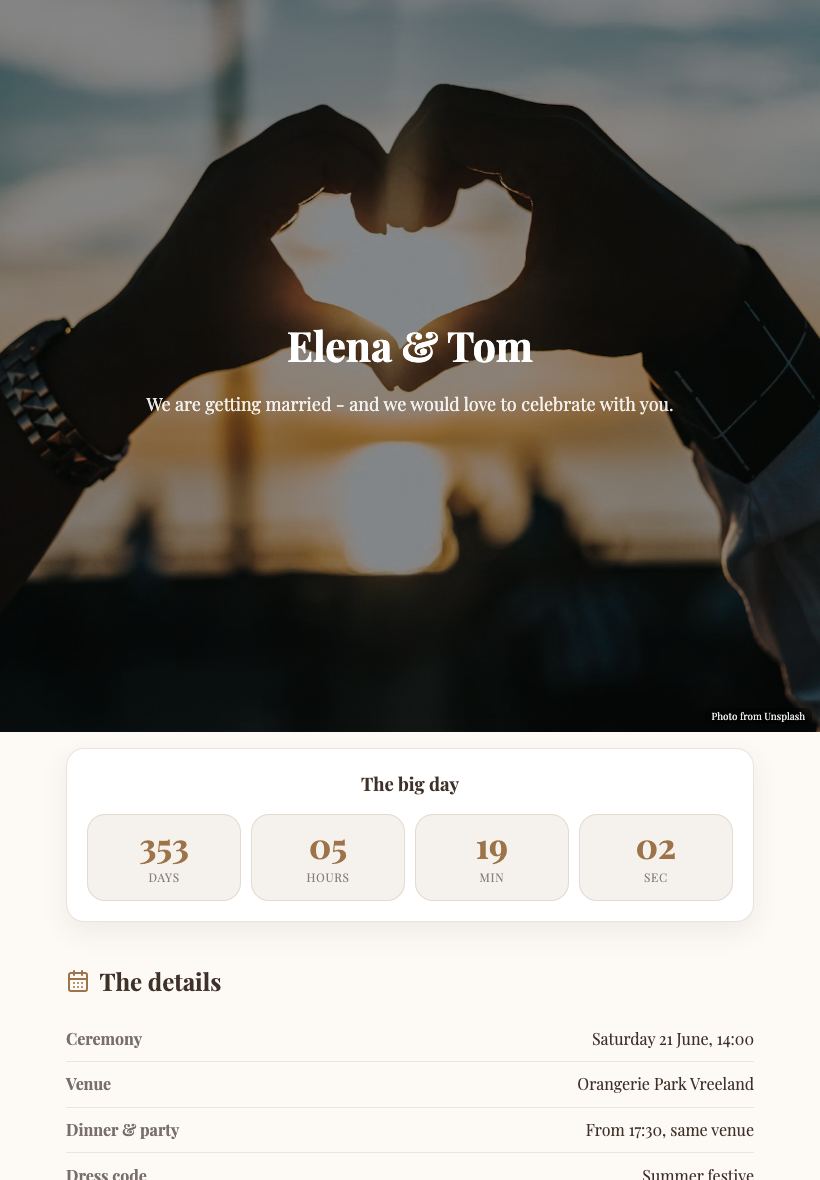
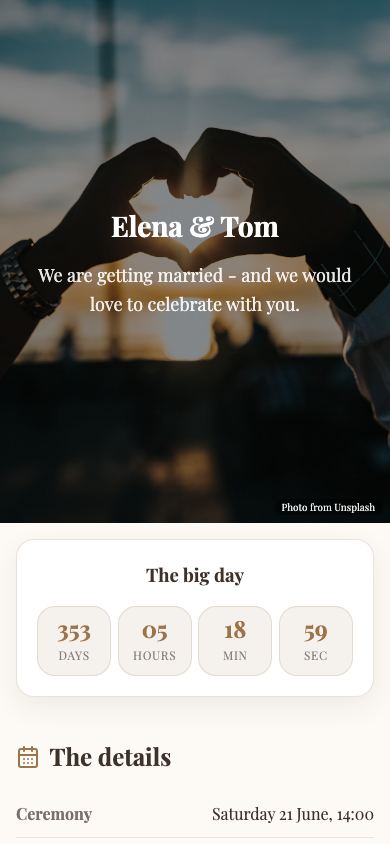
To make a wedding page for free, open the Apps Generator wedding template, fill in your names, date, venue and schedule, add a few photos, and press publish. Your page is live at its own link in under 5 minutes, with no signup. Put the link or QR code on your invitations - guests RSVP through the built-in form, and when details change you edit once and everyone sees the update.
Answers every guest question once
Time, venue, parking, dress code, hotels and gifts all live in one tidy page with an accordion for the details. You stop answering the same WhatsApp questions and guests stop guessing.
RSVP straight to your inbox
The built-in RSVP form sends every reply to your email with names and dietary wishes. No spreadsheet setup, no third-party invite platform harvesting your guest list.
A countdown, your photos and the map
A live countdown to the big day, a photo gallery of the two of you, and an interactive map of the venue. Print the QR code on your paper invitations - the page it opens always shows the latest plan.
Wedding page vs the usual ways
| Apps Generator page | Wedding platform site | Paper invitation only | |
|---|---|---|---|
| Cost | Free, no signup | Free tier with ads/upsells | Print costs per change |
| RSVP | Form to your inbox | Platform account required | Phone calls and texts |
| Updating details | Edit once, same link + QR | Yes | Reprint or ring everyone |
| Guest data | Stays with you | On the platform | On paper |
| Setup time | Live in under 5 minutes | An evening of forms | Weeks at the printer |
Ready when you are
Make this app yours
Open the editor, swap in your words and photos, and publish a link you can share in minutes - free, no signup.
Make our wedding page freeFrequently asked questions
Is the wedding page really free?
Yes. Building, publishing and updating your wedding page is completely free, with no trial and no card. Optional Pro extras like a custom domain are the only paid features.
How do guests RSVP?
Through the form on the page. Every reply arrives in your email with the guest's name and any dietary wishes - no account needed on either side.
Can I put a QR code on the paper invitations?
Yes, that is the ideal combo: print the QR code of your page on the invitation. If the schedule or venue details change later, the same code opens the updated page.
Do I need to sign up to make one?
No. You can build and publish without an account. Create a free account only if you want to come back and edit the same page later.
Can we password-protect the page?
The page lives at its own unlisted link that search engines are told not to index, so only people with the link find it. There is no password option yet; keep the link within your invitation list.