
Creators
Free Music Promo Page Maker
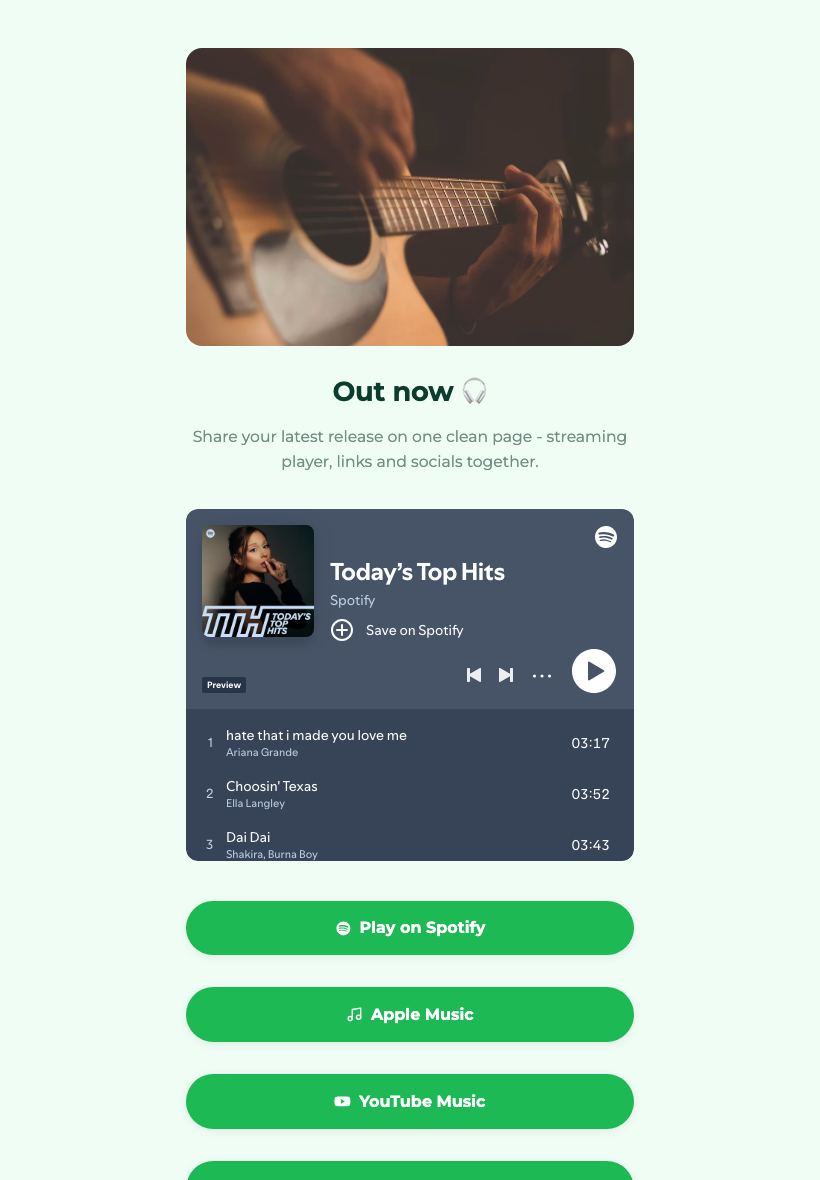
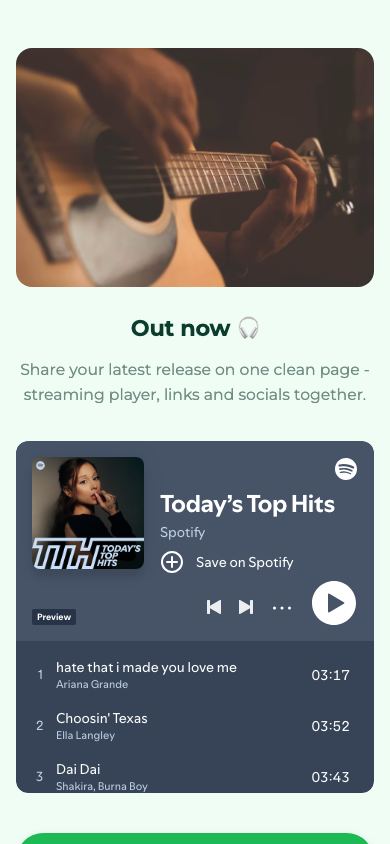
Launch your latest track, EP or playlist on one clean page - a streaming player, links and socials in a single place fans can share.

Updated July 2026
To make a music promo page for free, open the Apps Generator promo template, add your cover art, paste a Spotify or SoundCloud link for the official embedded player, and add buttons to every other streaming service, then press publish. The page is live at its own link in under 5 minutes, with no signup, and you get a free QR code for posters and flyers. It works like a smart-link page for each release, except nothing about it costs money.
One page per release, every streaming link
Give each single or EP its own landing page: cover art up top, the official player embedded so fans can listen immediately, and buttons for Spotify, Apple Music, YouTube, Bandcamp and anywhere else you distribute. One link in your bio covers every listener, whatever app they use.
A free alternative to paid smart-link services
Smart-link platforms in the Linkfire style do this same job on a subscription, with their branding on your release. Here the page is free, sits at your own link, and you control the layout, colours and background to match the artwork of the release.
QR codes for posters, flyers and merch tables
Every published page comes with a downloadable QR code. Print it on gig posters, flyers and vinyl inserts, and fans scan straight to the release. If you add a remix or a new store link after launch, edit the page and the same printed code keeps working.
Release page vs the usual options
| Apps Generator page | Paid smart-link service | Bare links on social | |
|---|---|---|---|
| Cost | Free, no signup | Subscription for full features | Free |
| Player on the page | Official embed, plays instantly | Usually preview only | No, just a link out |
| All streaming services | Buttons for every store | Yes | One link per post |
| QR for posters and flyers | Included free | On higher plans | Not practical |
| Editing after launch | Same link, edit anytime | Edit anytime | Repost and re-pin |
| Branding | Your artwork, colours and layout | Service template | Platform decides |
Ready when you are
Make this app yours
Open the editor, swap in your words and photos, and publish a link you can share in minutes - free, no signup.
Create my music page freeFrequently asked questions
Is the music promo page really free?
Yes. Building, publishing and updating a release page is completely free, with no card or trial. You only pay if you later want Pro extras like a custom domain.
Do I need to sign up to publish a release page?
No. You can build and publish without an account, which is handy when a release date is close. A free account is only needed if you want to edit the page later.
Can fans play the track on the page itself?
Yes. Paste a Spotify, SoundCloud or YouTube link and the official player is embedded on the page, so streams play through the platform and count towards your numbers as usual.
Can I add or change streaming links after release day?
Yes, and this is where the page earns its keep. When the Bandcamp page goes live or a remix drops, add the button and republish: the link on your posters and in your bio stays exactly the same.
How is this different from a Linkfire-style smart link?
The job is the same: one page that routes fans to every streaming service. The difference is cost and control: this page is free with no subscription, carries your artwork and colours rather than a service's template, and can hold extra content like tour dates or a mailing list link.