
Business
Free Digital Business Card
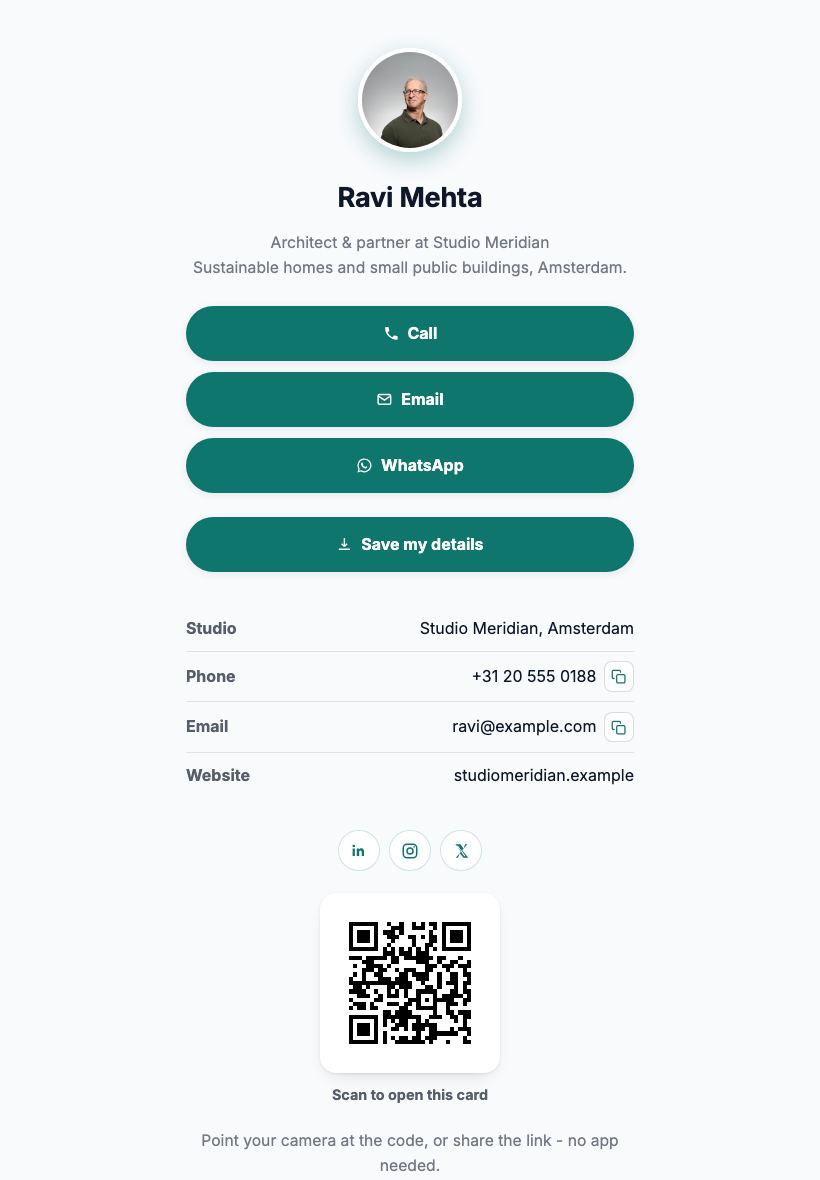
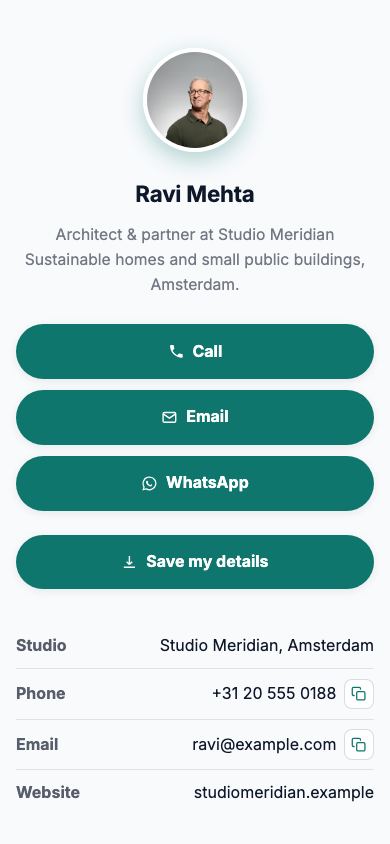
Your card as a page: photo, one-tap call and email buttons, your links and a QR code - shared in seconds, updated whenever your details change.

Updated July 2026
To make a digital business card for free, open the Apps Generator business card template, add your photo, name, role and contact buttons, and press publish. Your card is live at its own link in under 5 minutes, with no signup and no app for you or the receiver - they just open a page. Print the built-in QR code on your paper cards or show it on your phone, and when your number or role changes, edit once and every card you ever handed out is up to date.
One tap to call, email or WhatsApp
The card is a page, so the buttons actually work: tap to call, tap to email, tap to open WhatsApp. No more retyping numbers from a paper card into a phone - and your full details sit below with copy buttons.
The QR code that never goes stale
The built-in QR code points at your card's link, and that link never changes. Put it on the back of your paper cards, your email signature or a conference slide - update your details later and every printed code still opens the current card.
No app, no subscription, nothing to install
Most digital business card services want an app on both phones and a monthly plan. This card is a plain web page: anyone with a camera and a browser can open it, and publishing is free with no account.
Digital card vs the usual ways
| Apps Generator card | Paper card only | Paid card app (NFC/app) | |
|---|---|---|---|
| Cost | Free, no signup | Print runs, every change | Subscription + hardware |
| Receiver needs | Just a browser | To retype your details | Often the same app |
| Tap to call or email | Yes | No | Yes |
| Updating your details | Edit once, same link + QR | Reprint everything | Yes, behind the plan |
| Works with paper cards | QR on the back | Is the paper card | Sometimes |
Ready when you are
Make this app yours
Open the editor, swap in your words and photos, and publish a link you can share in minutes - free, no signup.
Make my card freeFrequently asked questions
Is the digital business card really free?
Yes. Creating, publishing and updating your card is completely free, with no card details and no trial. Optional Pro extras like a custom domain are the only paid features.
Does the receiver need an app?
No. Your card is a web page - they scan the QR code or tap the link and it opens in the browser they already have. Nothing to install on either side.
What happens when my details change?
Edit the page and publish again. The link and QR code stay the same, so every paper card, email signature and slide that carries your code shows the new details instantly.
Can I put the QR code on my printed business cards?
Yes, that is the ideal combo: print the code on the back of your paper card. People who want the tap-to-call buttons scan it; everyone else keeps the paper.
Do I need to sign up to make one?
No. You can build and publish without an account. Create a free account only if you want to come back later and edit the same card.